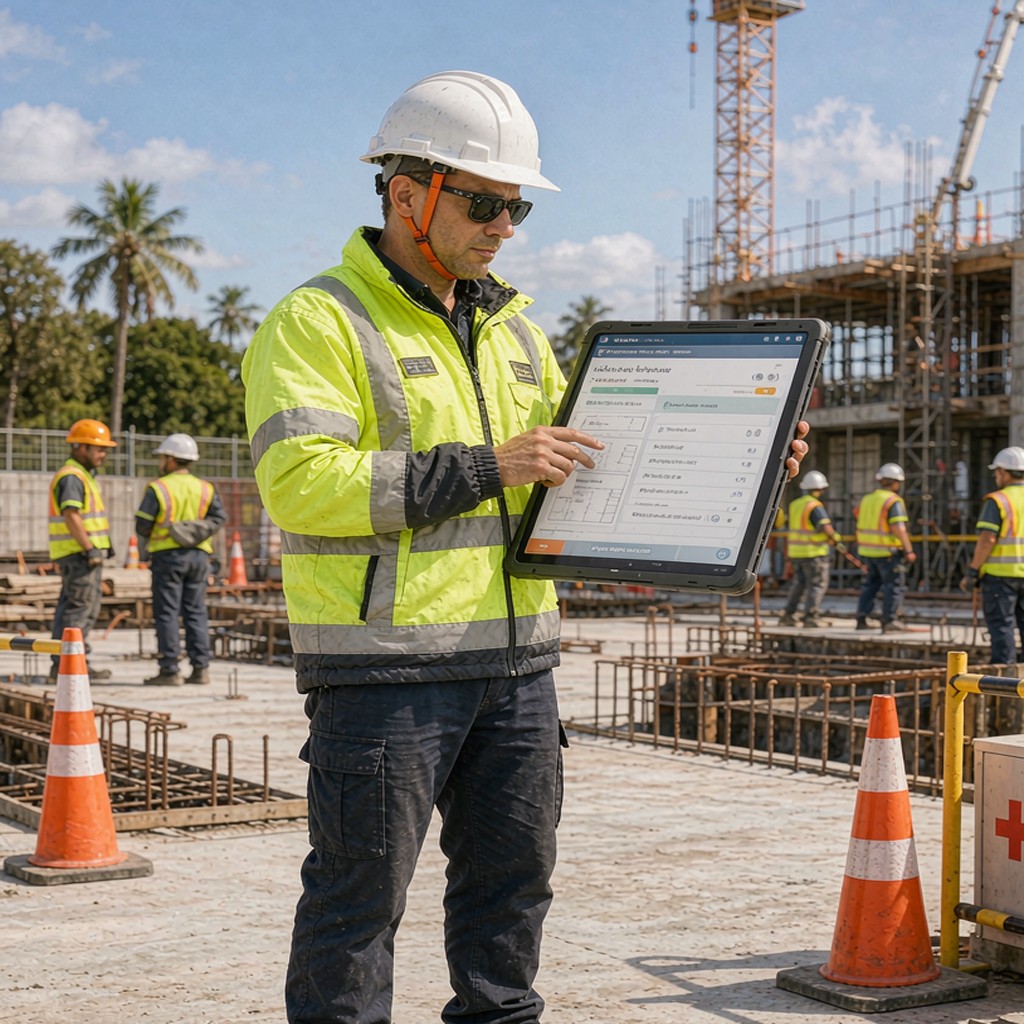

Deployed SharePoint intranet and Teams collaboration hub that improved project documentation accessibility and reduced file search time by 50%
A mid-sized construction company managing multiple commercial building projects was struggling with disorganised document sharing and inefficient collaboration. Different teams were using different tools and locations for project files, resulting in duplicated work, missing information, and delays that frustrated both internal staff and clients.
With 50+ employees spread across offices, sites, and vehicles, finding the right drawing, specification, or contract document had become a time-consuming exercise that varied wildly depending on which person you asked.
| Client Profile | Commercial construction firm with 50+ employees and 12 active projects |
|---|---|
| Industry | Construction — Commercial Building Projects |
| Projects Active | 12 commercial projects simultaneously with 2000+ project-related documents |
| Document Types | Drawing sets, specifications, contracts, change orders, correspondence, photos, videos |
| Previous State | Files scattered across desktops, shared drives, email attachments, personal cloud storage |
| Time Spent Searching | Estimated 3-4 hours per employee per week locating documents and coordinating versions |
| Outcome Achieved | Centralised document repository, collaborative project spaces, mobile access for site managers |
| Result | 50% reduction in time spent searching for files and coordinating document versions |
The construction company had grown organically over several years, adopting various tools and processes as needs arose without overall coordination. By the time they engaged us, their technology landscape looked like this:
Each project manager kept critical documents on their own desktop folder structure, meaning nothing existed centrally. When staff changed roles, their files disappeared with them. Multiple versions of the same drawing circulated via email with confusing naming conventions like "Drawing_Final_FINAL_v2_REAL.doc". Site managers had poor or no access to project documentation while on-site, relying on paper copies that quickly became outdated. Different teams worked in incompatible file formats, requiring manual conversion that introduced errors and wasted time.
The resulting inefficiency wasn't just an annoyance—it directly impacted profitability. Billable hours were consumed by document hunting rather than client work, disputes over which document version applied caused claim delays, and missed information led to rework that ate into margins.
We designed and deployed a Microsoft 365 environment specifically optimised for construction workflows, emphasising mobile accessibility, version control, and collaborative editing:
SharePoint Intranet Portal: Created a branded SharePoint site acting as the single source of truth for all project information. Organised by project with consistent navigation, featuring search functionality that indexes all document properties and content. Configured permission levels so each team sees only their relevant projects plus company-wide announcements and HR documents.
Teams Project Channels: Set up a Teams workspace for each active project containing channels for different disciplines (design, procurement, construction, quality). Integrated SharePoint document libraries so conversations and documents stay linked. Added tabs for common tools like drawing viewers, schedule viewers, and contact lists directly in Teams interface.
Recognising that site supervisors need constant access to project documentation regardless of location, we prioritised mobile experience:
Document Version Control: Leveraged SharePoint's native versioning to maintain complete history of every document, enabling instant comparison between revisions and restoration of previous versions if errors were discovered. Added check-in/check-out workflow to prevent simultaneous edits causing conflicts.
Metadata and Search: Defined standard metadata columns for all document types (project name, discipline, revision date, status, responsible party) and indexed these for fast filtering and faceted search. Built a custom web part on the intranet homepage showing upcoming project milestones, recent approvals, and critical notifications.
Training and Change Management: Recognising that new tools fail without adoption, we invested heavily in change management: appointed "digital champions" on each project to model correct usage, created short video tutorials accessible on the intranet, held hands-on workshops at different skill levels, and established peer support channels for ongoing questions.
The deployment unfolded over seven weeks with emphasis on minimal disruption to ongoing projects:
Weeks 1-2: Architecture and Content Migration Strategy — Designed the SharePoint site structure mapping projects to departments, developed metadata schema, created migration scripts, identified duplicate and obsolete documents for archival rather than migration.
Weeks 3-4: Build and Populate — Built the SharePoint intranet with branding, created Teams workspaces, migrated historical documents in batches validating integrity after each batch, populated metadata and permissions.
Week 5: Mobile Testing and Fine-Tuning — Tested mobile access thoroughly across all anticipated device types and scenarios, adjusted layouts and navigation based on feedback from pilot users.
Week 6: User Training and Documentation — Conducted role-based training sessions, distributed quick-reference guides, established ongoing support channels, created administrator documentation for future maintenance.
Week 7: Go-Live and Hypercare Support — Launched to all users with dedicated support team answering questions during first two weeks, gathered feedback for iterative improvements.
The new Microsoft 365 environment transformed how the construction company manages project information:
Billable hours increased as document-related activities dropped significantly. Disputes over which drawing applied decreased as everyone accessed the same authoritative version. Clients appreciated faster responses to requests for information. And the foundation is now in place for easy expansion as the company grows—adding new projects or users requires only a few clicks rather than complex setup work.
"Before this, I'd spend hours every week chasing down the latest drawing or spec for a project. Now I pull it up in Teams and we're done in seconds. That time saved adds up across the whole team—and we get to spend more time actually doing the work that earns us money."
Managing Director, Parkins Construction Pty Ltd